The short answer: yes, but not on their own
If you've been running your finances on a spreadsheet for years, the good news is you don't have to abandon it completely. HMRC doesn't ban spreadsheets under Making Tax Digital for Income Tax (MTD for ITSA). But here's the catch, you can't just email a spreadsheet to HMRC or log into Government Gateway and upload it manually.
To meet the rules, your records need to be submitted digitally using HMRC-recognised software. That's where bridging software comes in.
What is bridging software?
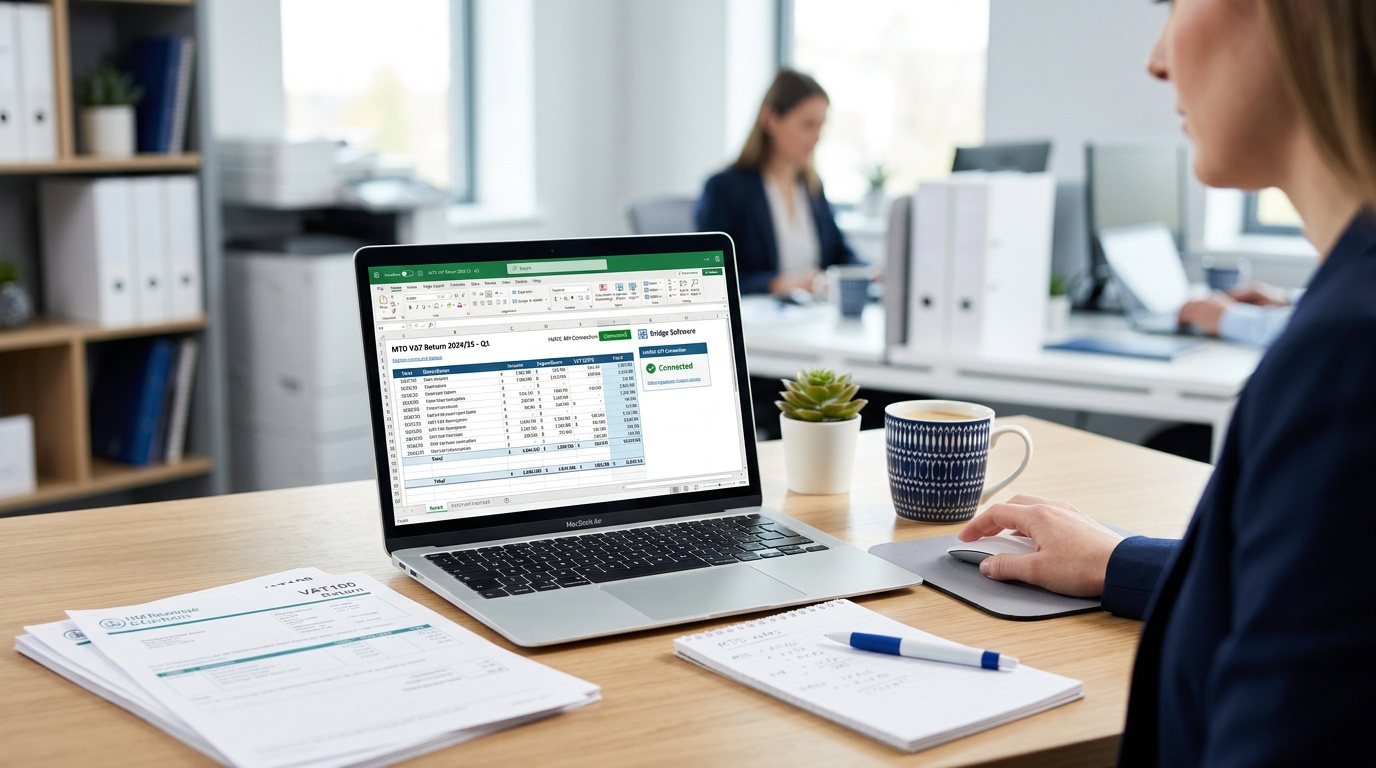
Bridging software sits between your spreadsheet and HMRC. You keep recording your income and expenses in Excel or Google Sheets exactly as you do now, and then the bridging tool reads your data and sends the quarterly updates to HMRC in the required format.
Think of it like a translator. Your spreadsheet speaks human. HMRC's systems speak MTD. Bridging software translates.
It's a legitimate, HMRC-approved approach. It was widely used when MTD for VAT launched in 2019, and it carries over to MTD for ITSA.
Who needs to worry about this right now?
MTD for ITSA goes live in phases:
- 6 April 2026: Sole traders and landlords with gross income over £50,000 must comply
- April 2027: Income over £30,000
- April 2028: Income over £20,000
If your income is above the current threshold, you need a compliant solution in place now. That could be bridging software, or it could be a full MTD-compatible accounting app.
How does bridging software actually work?
The process is simpler than it sounds:
- You maintain your income and expenses in your spreadsheet as normal
- You link or import that data into the bridging software
- The bridging tool calculates your quarterly totals
- It submits your quarterly update directly to HMRC
Some bridging tools connect directly to your spreadsheet via a live link. Others ask you to copy your totals into a template. Either way, the submission itself is handled digitally, which is what MTD requires.
You'll still need to send four quarterly updates per tax year, plus a final declaration at the end. Bridging software handles all of those submissions.
What are the rules around the spreadsheet itself?
HMRC has a concept called the digital links requirement. This means data must flow digitally from your records through to the submission, no copying numbers by hand between systems at any point in the chain.
In practice, this means:
- Your spreadsheet is fine as the starting point
- But you can't manually retype totals into a separate tool, there must be a digital link (a formula, an import, an API connection)
- Copy-and-paste between different software is technically not compliant
Some bridging tools use a direct plugin or integration to pull data from your spreadsheet automatically, which keeps you cleanly within the rules.
Bridging software vs full MTD accounting software: what's the difference?
Bridging software is the minimal-compliance route. It does one job: get your data to HMRC in the right format. It won't give you profit and loss reports, invoice tracking, bank feeds, or any of the features you'd get from a proper accounting package.
Full MTD-compatible software like QuickBooks, Xero, FreeAgent or FreshBooks manages everything in one place, your records live inside the software, and it handles submissions automatically. You don't need a separate spreadsheet at all.
The right choice depends on how you work:
- Bridging software suits people who already have a well-organised spreadsheet system and don't want to change their workflow
- Full accounting software suits people who want less admin, automatic bank reconciliation, and a single tool that does everything
Not sure which approach fits you? Compare MTD software to see what's available and what each tool costs.
How much does bridging software cost?
Bridging software tends to be cheaper than full accounting packages, typically £10–£20 per quarter, or around £50–£80 per year. Some tools charge per submission rather than as a subscription.
A few accounting software providers include bridging functionality within their standard plans, which can make the full software route better value than it initially appears.
Free options are rare and often limited, so it's worth comparing what's included carefully, particularly whether the price covers all four quarterly submissions and the end-of-year declaration.
Common mistakes to avoid
A few things catch people out when they go down the bridging route:
- Assuming any spreadsheet works, your spreadsheet needs to be structured in a way the bridging tool can read. Some tools have templates you must use; others are more flexible.
- Manually retyping data: as explained above, this breaks the digital links requirement and puts you outside the rules.
- Missing the sign-up deadline, you need to register for MTD for ITSA with HMRC separately, before your start date. The software alone isn't enough.
- Forgetting quarterly deadlines, you have to submit four times a year now, not just once at self-assessment time. Missing a deadline could mean a penalty.
Do I need to register with HMRC as well?
Yes. Choosing software is only half of it. You also need to sign up for MTD for ITSA through HMRC; this is separate from your existing self-assessment registration.
HMRC will start sending invitation letters to affected taxpayers ahead of April 2026. Keep an eye out, and don't assume your accountant has sorted this unless you've explicitly confirmed it with them.
Should I stick with spreadsheets or switch?
There's no right or wrong answer here, but it's worth being honest about your situation.
If your spreadsheet is comprehensive, well-organised, and you're comfortable maintaining it, bridging software is a perfectly valid and cost-effective route. Thousands of small business owners used this approach successfully for MTD for VAT.
But if your spreadsheet is a bit of a mess, or you find the admin side of running your business genuinely stressful, MTD might be the nudge you needed to move to software that does more of the work for you automatically. Bank feeds alone can save hours of manual data entry every month.
Either way, doing nothing isn't an option. If your income is above £50,000, you need a compliant solution in place for 6 April 2026.
What to do next
Start by getting clear on which software you'll use. Whether that's a bridging tool to complement your existing spreadsheet, or a full accounting package that replaces it entirely, making that decision now gives you time to set things up properly, and avoid the last-minute scramble that catches most people out.
Compare MTD-compatible software to find the right fit for your income level, budget, and how you prefer to work.
Ready to choose your MTD software?
Compare HMRC-approved options side by side. Find the right fit for your business.
Compare Software →